

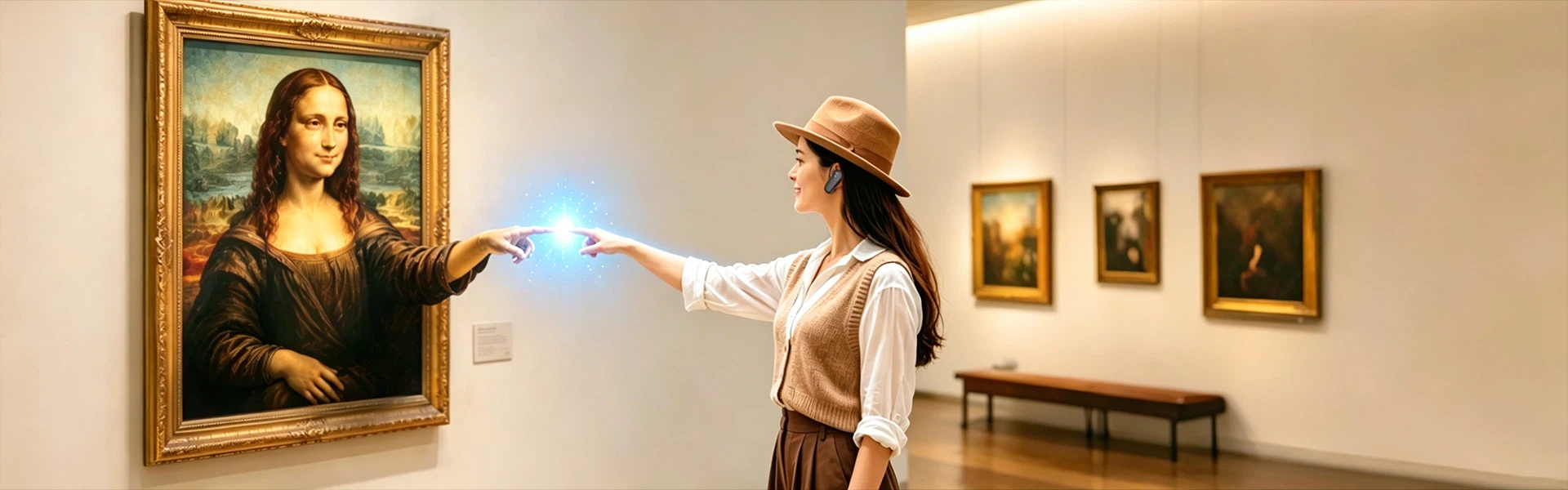
Yingmi's multimodal AI interactive digital human system - now shipping as a standalone all-in-one terminal - puts bare-eye 3D display, large language model reasoning, and a local private knowledge base into a single unit. Organizations configure it, brand it, and run it without routing sensitive data through an external cloud.
That last point has become harder to take for granted. Public institutions and enterprises are growing warier about what goes into shared AI infrastructure and where it ends up. The system's private RAG (Retrieval-Augmented Generation) knowledge base keeps content stored and processed within the client's own environment. Export and backup run in one click.

What the System Actually Does
The terminal works as a virtual attendant - answering visitor questions, walking users through services, and returning information in whatever format fits the query: text, image, video, or spoken response. Visitors can start an interaction three ways: voice keyword, touchscreen, or face detection. The three modes can run together or be switched on and off individually from the management backend.
Speech handling covers Chinese-English dialogue with noise-filtering microphone support. Unlike fixed-playback kiosks, the system accepts interruptions mid-sentence - visitors can cut in with a follow-up without waiting for the response to finish. Additional languages are configurable for international tourism venues or cross-border enterprise environments.
For AI reasoning, the system connects to DeepSeek, Doubao, ERNIE Bot, Xunfei Spark, and optionally GPT-4.0. It also accepts client-supplied proprietary API endpoints - useful for organizations that have already built internal model infrastructure and want the digital human to run through that rather than a third-party service.
The Avatar Layer
The visual component runs on a bare-eye 3D lenticular display - depth rendering without glasses or headsets. The avatar library holds more than 200 pre-built characters covering professional roles across business, government, and tourism, with three standard sets included at deployment. Clients can upload custom enterprise characters through the management interface.
Each avatar carries three motion sets: idle breathing with micro-expressions, greeting gestures (bow, nod, wave), and explanation-mode hand movements that sync with spoken content. Switching avatars - or switching language modes, say from a Mandarin business persona to an English-speaking guide - happens by voice command at runtime, no backend reconfiguration needed.
Voice cloning lets clients bring a specific voice to the system. A short recording from a spokesperson or institutional figure goes through clone training; the digital human then speaks in that voice. Multiple TTS profiles can be installed and swapped independently of which avatar is running.

Knowledge Management and Content Configuration
The private knowledge base takes content in several formats: Excel files for Q&A pairs, PowerPoint decks with auto-synced slide progression during presentations, and video assets that trigger at specific interaction points. Live querying - weather, news - runs alongside the curated institutional content.
Day-to-day management runs through a zero-code visual editor. Operators adjust wake words, voice speed, persona settings, and audio profiles through a graphical interface; changes go live immediately without a system restart. The backend uses tiered permission controls so different operator roles only see and edit what they're authorized to touch.

Hardware Configuration and Deployment Formats
The terminal comes in six screen sizes - 21.5, 27, 32, 43, 49, and 55 inches - in either standard LCD or bare-eye 3D lenticular. Enclosure options include brushed metal, tempered glass, and lacquer finishes; branding goes on via laser engraving or screen printing. Installation mounts as a freestanding floor unit with casters, a wall bracket, or a desktop stand.
| Parameter | Specification |
|---|---|
| Display sizes | 21.5″ / 27″ / 32″ / 43″ / 49″ / 55″ |
| Display types | LCD / Bare-eye 3D lenticular |
| Wake modes | Voice keyword / Touchscreen / Face recognition (combinable) |
| Speech recognition | Chinese-English bilingual, noise-resistant directional mic |
| AI models supported | DeepSeek, Doubao, ERNIE Bot, Xunfei Spark, GPT-4.0 (opt.), custom API |
| Avatar library | 200+ assets, 3 standard sets included, 3 motion groups per avatar |
| Knowledge base | Local private RAG; Excel / PPT / video multi-format import |
| Network | Wi-Fi + wired Ethernet (dual-link redundancy) |
| Installation | Floor-standing / Wall-mount / Desktop |
OEM and ODM configurations are available for system integrators and resellers. Software customization covers boot animation, full UI theme replacement against an enterprise visual identity, and module-level activation controls. The hardware ships with client branding end to end - enclosure, startup sequence, UI - with no manufacturer identification visible if that's what the client needs.
Where the System Is Being Deployed
Current deployments run across government administrative centers, museum exhibition halls, corporate showrooms, hospital department lobbies, university campus information points, and bank branch floors. The five sectors Yingmi targets are government and public services, enterprise spaces, cultural tourism, education and healthcare, and financial institutions.
Government 35%
Reduction in front-desk queue pressure at a municipal administrative center running 8 units, handling 2,000+ daily visitors
Automotive Retail 30 sites
Standardized product explanation across a new-energy vehicle brand's national showroom network, with CRM preference logging
Cultural Heritage +60%
Increase in visitor dwell time at a provincial museum deployment using bare-eye 3D avatars narrating exhibits in historical character voice

Delivery and After-Sales Structure
Deployment follows seven stages: requirements consultation, solution quotation, contract, content production, manufacturing and shipping, on-site installation, and after-sales handover. Post-deployment support includes lifetime software updates, around-the-clock remote technical response, knowledge base maintenance help, and operator training. A standby unit for emergency coverage is available as an add-on.
For procurement teams, the practical questions tend to cluster around three things: where data is stored, whether the system's voice and branding can be made to feel institutional rather than off-the-shelf, and how much internal IT involvement ongoing operation requires. The private deployment architecture, voice cloning, and zero-code management backend are each aimed at one of those three concerns - though how well they hold up at scale depends on the specific environment and the client's own infrastructure readiness.


