


This article compares the two on the factors that decide the outcome for a museum, heritage site, attraction, or exhibition, and explains when a combination of both is the practical answer.
The Two Models in Brief
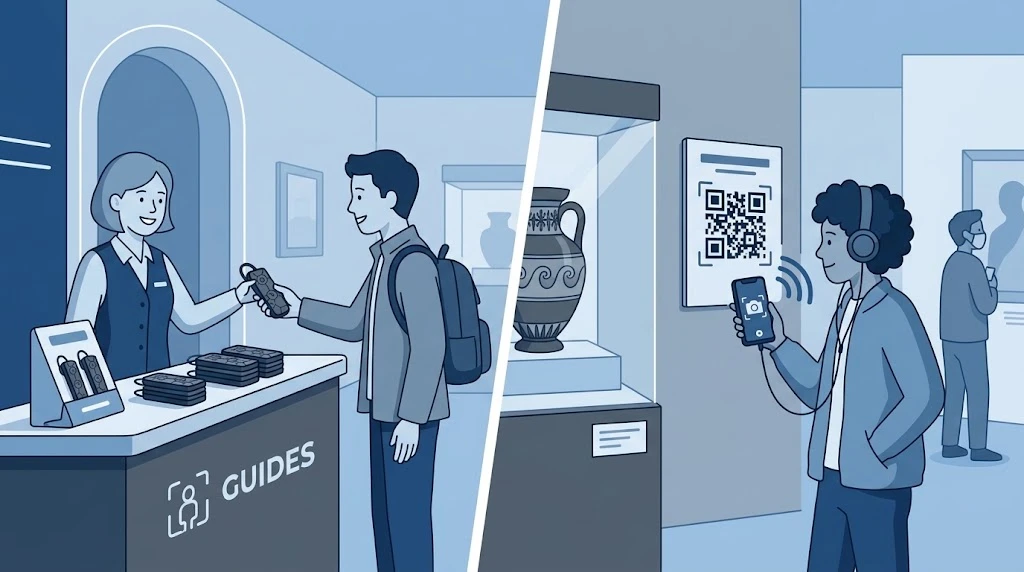
A dedicated audio guide device is a handheld or wearable unit owned by the venue. Visitors collect it at the entrance, use it during the visit, and return it at the exit. Content is stored on the device, and playback is triggered by a button, a keypad, or by the visitor's location.
A smartphone-based audio tour runs on the visitor's own phone. Visitors scan a code or open a link, and the content is streamed or downloaded to their device. The venue supplies the content and the platform, but not the hardware.
Side-by-Side Comparison
|
Factor |
Dedicated device |
Smartphone app |
|---|---|---|
|
Upfront cost |
Hardware purchase, charging and storage equipment |
Content and platform fees; no hardware |
|
Visitor setup |
Pick up and start |
Scan, download or open, sometimes sign in |
|
Network dependence |
Content is stored locally, so it works without a connection |
Often needs venue Wi-Fi or mobile data unless content is downloaded in advance |
|
Device compatibility |
Identical for every visitor |
Varies by phone model, operating system and battery level |
|
Staff workload |
Distribution, collection, cleaning, charging |
Minimal on-site handling; some visitor support |
|
Visitor attention |
No screen to distract |
Phone notifications and screens compete with the exhibits |
|
Content updates |
Updated on the units, usually through a docking or management process |
Updated centrally and instantly |
|
Extra features |
Limited by the hardware |
Maps, images, video, text, bookings and feedback |
|
Accessibility |
Simple controls; suits visitors without smartphones |
Can offer captions and text size adjustments; excludes visitors without a suitable phone |
Where Dedicated Devices Win
Consistent experience for every visitor
Every visitor receives the same hardware, the same sound, and the same controls. There is no difference between a new phone and an old one, and no loss of audio because a battery ran down.
Venues with weak or no connectivity
Basements, historic buildings with thick walls, remote sites, and busy venues where mobile networks are congested all make streaming unreliable. A device with locally stored content avoids that problem.
Visitors who do not want to use their phone
Older visitors, school groups, international travellers without local data, and anyone who wants to put the phone away are all well served by a simple device.
A focused, screen-free visit
A device that offers audio only keeps eyes on the exhibits. For venues whose goal is close looking and listening, that is a design choice, not a limitation.

Where Smartphone Apps Win
Low entry cost
Without hardware to buy, charge, clean, and replace, a smartphone tour can be launched with a much smaller investment, which suits smaller venues and temporary exhibitions.
Rich, flexible content
Images, maps, video, text, and links can sit beside the audio. Updating a story or adding a language does not require touching any physical unit.
Reach beyond the visit
Visitors can use the tour before arriving or after leaving, and the venue can gather feedback and usage data through the same channel.
No handling at the entrance
There is no queue at a collection desk and no equipment to track, which reduces peak-time pressure on staff.
What Each Model Really Costs
Comparing only the purchase price misses most of the picture. A fair comparison counts these items over several years:
Dedicated devices: hardware, charging docks, storage cases, spare earphones, cleaning supplies, replacements for lost or damaged units, and staff time at distribution and return points.
Smartphone apps: content production, platform subscription or licensing, translation, promotion so visitors know the tour exists, and visitor support for those who struggle to connect.
High-volume venues with predictable daily traffic often find hardware costs spread out comfortably. Venues with highly seasonal or low traffic may find the flexibility of an app more economical.
A Hybrid Approach
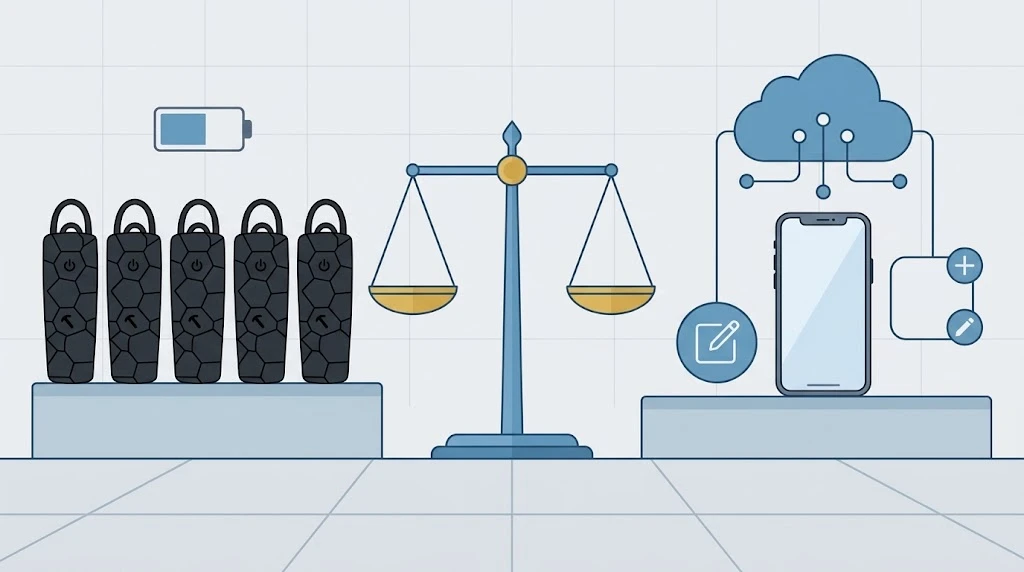
Many venues do not have to choose. A common pattern is to offer devices at the entrance for visitors who want a simple, ready-to-use option, while publishing the same content as a smartphone tour for those who prefer their own phone. Shared scripts and recordings keep content work to a single effort, and each visitor picks the format that suits them.

A Short Decision Guide
Answer these questions honestly, and the right direction usually becomes clear:
Is network coverage inside the venue consistently reliable?
What share of your visitors can be expected to arrive with a suitable smartphone and a charged battery?
Do you have staff and space to run a distribution and charging point?
How important is a screen-free experience to your visit design?
How often will content change, and how many languages do you need?
What is your realistic budget over three to five years, including running costs?
Venues that answer "weak network, mixed visitor profile, and a screen-free visit" lean toward dedicated devices. Venues that answer "strong network, smartphone-heavy audience, frequently changing content, and limited budget" lean toward apps.
FAQ
Q: Are Dedicated Audio Guide Devices Becoming Obsolete Because Of Smartphones?
A: Not for every venue. Smartphones have taken over a large part of the market, but devices remain practical wherever connectivity is poor, visitors do not want to use their phones, or consistent equipment matters.
Q: Can Visitors Use Their Own Headphones With A Dedicated Device?
A: This depends on the device. Many have a standard headphone socket, while others rely on a built-in speaker or supplied earphones. Confirm the connection type with the supplier.
Q: Is A Smartphone Tour Cheaper?
A: Usually the upfront cost is lower, since there is no hardware. Over time, the total depends on content, platform fees, and how many visitors actually use the tour.
Q: How Do Dedicated Devices Handle Several Languages?
A: Content for multiple languages is stored on the device, and visitors select their language at the start. The number of languages and files supported depends on the specific product, so check the supplier's documentation.
Q: Can Both Options Share The Same Content?
A: Yes. Recording scripts and audio once and publishing them in both formats is a common way to cover all visitors without duplicating effort.
Choosing the Format That Fits Your Visitors
Neither format is better in every case. Devices give you control and consistency, and apps give you flexibility and reach. Start from your visitors and your building, estimate the full cost over several years, and consider offering both. Specific capabilities such as supported languages, storage capacity, and triggering methods should always be confirmed against the supplier's official product documentation before you decide.


